


One of the biggest strengths of Gutenberg is its simplicity. However, when building modern landing pages, many users quickly discover limitations in the native block editor. Creating advanced layouts, controlling spacing, managing responsive behavior, and designing visually engaging sections often requires additional plugins or custom code.
This is where Mold Blocks comes in.
Mold Blocks is a Gutenberg-native WordPress plugin designed to provide the missing design interfaces that many site builders need when creating landing pages. Instead of replacing the block editor with a separate page builder experience, it extends Gutenberg in a way that feels natural and familiar.
What makes Mold Blocks particularly appealing is its flexibility. Rather than forcing users into predefined templates, it provides powerful layout and design controls while allowing complete creative freedom. Whether you’re building a simple hero section, a feature showcase, a pricing table, or a complex marketing page, the blocks adapt to your design goals instead of restricting them.
Because the plugin is built specifically for Gutenberg, the editing experience remains fast and lightweight. Users can continue working within WordPress’s native interface while gaining access to controls that are often missing from the default editor.
For designers, agencies, and WordPress professionals who prefer Gutenberg over traditional page builders, Mold Blocks offers a practical middle ground: more design power without sacrificing performance or introducing unnecessary complexity.
As WordPress continues to evolve toward a block-first future, tools like Mold Blocks demonstrate how the Gutenberg ecosystem can be enhanced without abandoning the core philosophy of the editor—providing creators with flexible building blocks rather than rigid design systems.
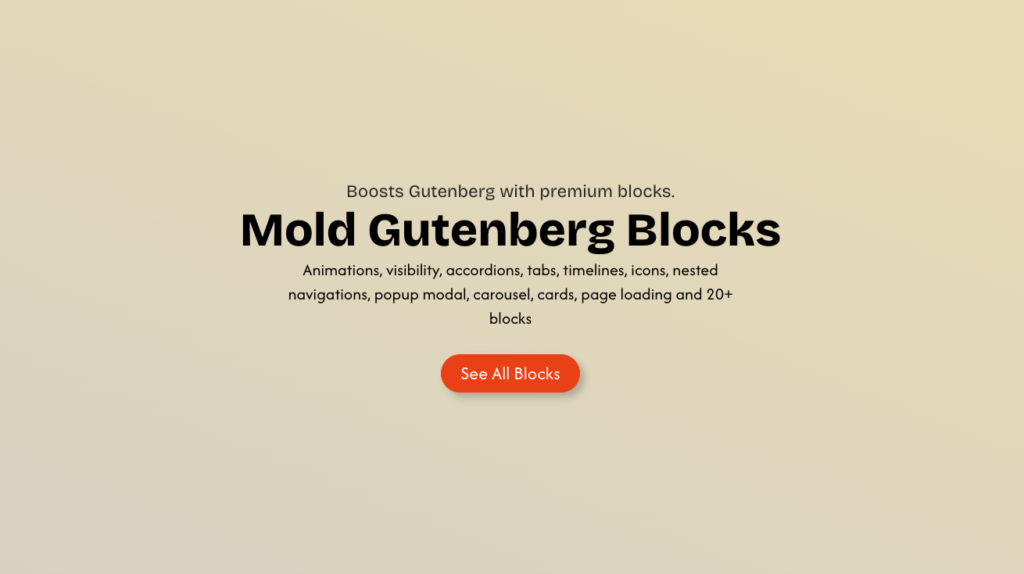
You can explore the live demo at Mold Blocks Demo
https://moldblocks.moldthemes.com/
Find the plugin on the WordPress Plugin Directory.
https://wordpress.org/plugins/search/mold-block/
Interesting Blocks That Make Mold Blocks Different
Many Gutenberg plugins focus on adding more blocks. Mold Blocks takes a different approach by focusing on blocks that solve real-world landing page design challenges.
The goal isn’t simply to increase the number of available blocks but to provide designers and content creators with tools that are often missing from the default editor.
Seamlessly Works with WordPress Layout Blocks
Works with default : Group/Row/Stack/Columns
One of the strengths of Mold Blocks is that it doesn’t try to replace Gutenberg’s core layout system. Instead, it works alongside WordPress’s native Group, Row, Stack, and Columns blocks, extending their capabilities while preserving the familiar editing experience. This means users can continue building layouts using the blocks they already know, then enhance them with Mold Blocks where additional design control is needed. The result is a seamless workflow that feels like a natural extension of Gutenberg rather than a separate page-building system.
Provides Essential UI Blocks Missing from Core Gutenberg
Flexible UI Blocks Tabs, Accordions, Modal Popup, Timelines
Modern websites frequently use card-based layouts for services, portfolios, team members, testimonials, and feature lists.
The Grid Block simplifies the creation of responsive multi-column layouts while maintaining visual consistency across screen sizes. Rather than manually configuring columns and responsive breakpoints, designers can focus on content and structure.
This makes it particularly useful for landing pages where visual organization directly impacts user engagement.
A powerful Swiper-based Carousel for displaying any content.
Used as Slider, carousel, card swap, Testimonials,
Landing pages often need to showcase multiple pieces of content within a limited amount of screen space.
The Slider Block allows designers to create interactive sections for:
- Testimonials
- Product showcases
- Case studies
- Featured content
- Portfolio highlights
Unlike traditional sliders that only support images, Gutenberg-native slider blocks can contain rich content and other nested blocks, making them significantly more flexible for modern web design.
Seperate Logo Carousel
Built for Real-World Brand Showcases
Displaying client, partner, or sponsor logos is a common requirement on business websites, yet traditional carousel blocks are often designed primarily for images and content slides. Mold Blocks includes a dedicated Logo Carousel powered by Swiper.js, specifically designed for showcasing logos in a clean and professional manner. Unlike generic sliders, the block automatically adapts the number and size of logos based on available screen space, ensuring an optimal presentation across desktop, tablet, and mobile devices. With a streamlined interface focused on simplicity, users can quickly create responsive logo showcases without dealing with the complexity and configuration options typically found in full-featured slider plugins.
Landing Page Focused Design Controls
What makes Mold Blocks particularly interesting is that many of its controls are designed around practical landing page requirements rather than generic content editing.
Typical landing pages require:
- Precise spacing
- Visual hierarchy
- Responsive adjustments
- Flexible section layouts
- Consistent design systems
These are often the areas where default Gutenberg controls feel limited. Mold Blocks extends the editor with interfaces that help bridge the gap between a content editor and a professional landing page builder.
Gutenberg First, Not Gutenberg Replacement
Perhaps the most important aspect of Mold Blocks is its philosophy.
Many page builders introduce entirely new editing experiences that exist alongside WordPress. Mold Blocks embraces Gutenberg instead of replacing it.
Users continue working within the native WordPress editor while gaining additional layout and design capabilities. This preserves the performance, familiarity, and future compatibility of the block editor while making it more capable for professional website design.
As WordPress moves deeper into Full Site Editing and block-based development, this Gutenberg-first approach aligns closely with the long-term direction of the platform.
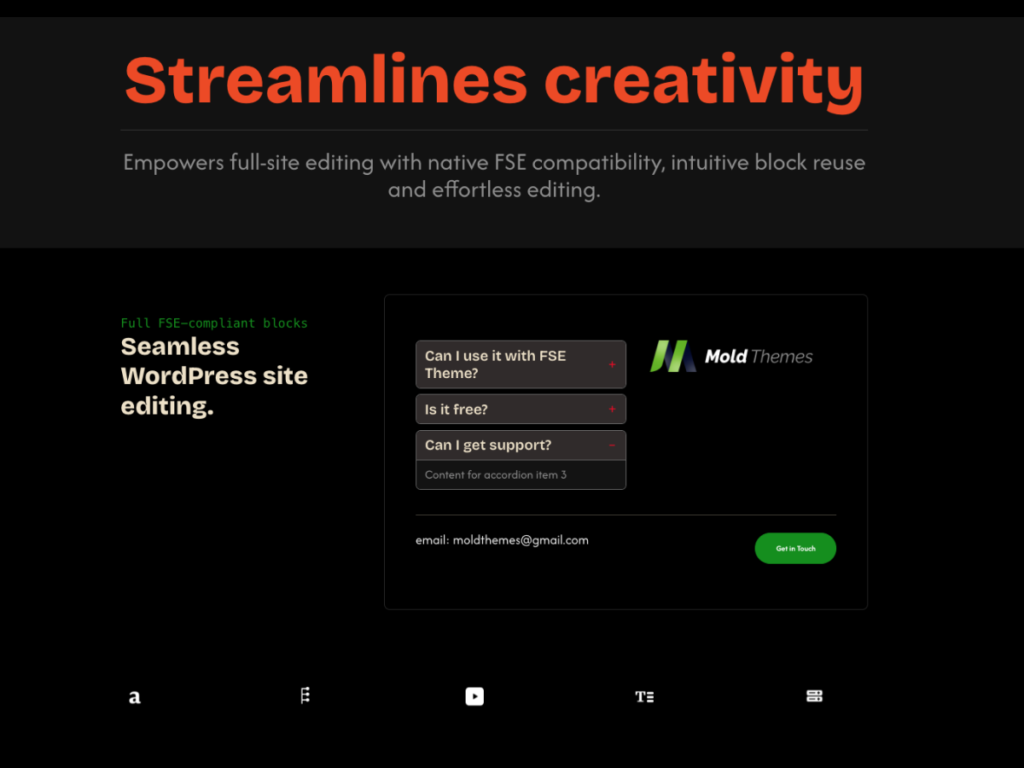
Oh wow—sounds exciting! 🎉
The upcoming Mold Block Pro version is shaping up to be a game-changer for Gutenberg users. Packed with enhanced design options, reusable templates, and smarter layout controls, it’s built to give creators more freedom without the complexity. Whether you’re crafting simple posts or intricate page designs, the Pro version looks set to make the process smoother and more intuitive. Definitely one to watch if you love building beautiful, flexible sites the easy way.
Leave a Reply